The pipeline — panel by panel
How it works
A fully automated line that upgrades your PDFs one page at a time — and proves the improvement with a score.
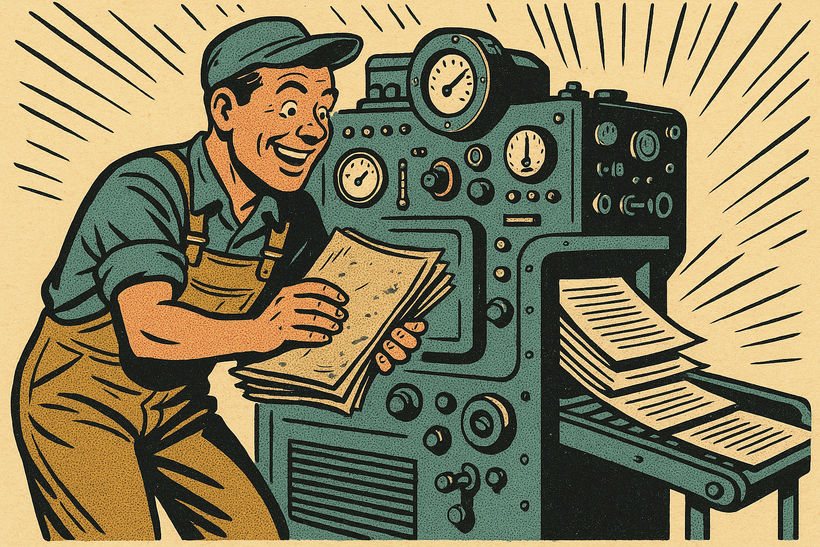
The document upgrade pipeline
- 1Upload
Submit your PDF via REST API, SDK, CLI, or drag-and-drop portal. We hand back a secure presigned upload URL.
- 2Triage
Every page is inspected — production type, script, quality, existing text layer — and a routing decision is made page by page.
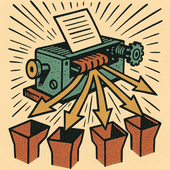
- 3Process
Each page is dispatched to the engines best suited to its content — fast readers for clean print, heavyweight vision models for gnarly layouts, specialists for script and handwriting.

- 4Assemble
Processed pages are reassembled into one PDF. Layout, images, and visual appearance are preserved exactly as they came in.

- 5Verify
A per-page Retrievability Score is computed before and after. Pages we did not meaningfully improve are flagged — and never billed.
- 6Deliver
Your upgraded PDF is ready on a signed URL, then queued for automatic deletion on your retention schedule.
Engine routing
No single OCR engine wins on every document. Each page is dispatched to the engine — or stack of engines — most likely to nail it.
| Page type | Approach |
|---|---|
| Standard printed text | Fast print OCR |
| Complex tables / forms | Layout-aware OCR + vision model |
| Mathematical equations | Detection + math-aware model |
| Handwritten (cursive) | Detection + heavyweight vision models |
| Mixed scripts | Multilingual vision model |
| Low quality / degraded | Multi-engine + AI arbitration |
| Already searchable | Re-wrapped as archival PDF/A-3b — no OCR charge |
| Blank page | Skipped — not charged |